IR-07 · security
Pushkar Kumar 9 min read
x509: certificate signed by unknown authority — the fix
What the error actually means, the four causes ranked by how often they bite, and the one-line openssl check that shows whether an intermediate is missing.
On this page
- Which one is you — 20 seconds
- What the error actually means
- Why your browser disagrees
- Diagnose it in one command
- The four causes, ranked
- 1. The server is missing its intermediate
- 2. Your container has no CA bundle at all
- 3. A corporate proxy is re-signing traffic
- 4. The certificate really is self-signed
- The fix that is not a fix
- A short checklist
You deploy a service, it calls an HTTPS endpoint, and the request dies:
x509: certificate signed by unknown authorityThen you open the same URL in Chrome and it loads with a padlock. Nothing is wrong with the certificate as far as your browser is concerned, so the natural conclusion is that your code, your container or your language is broken.
It usually isn’t. In the large majority of cases the server really is misconfigured, and your browser is hiding it. This post explains what the error actually means, why browsers disagree with Go and curl, and the four causes that between them account for almost every occurrence.
Which one is you — 20 seconds
The right cause depends almost entirely on what you were connecting to, so start here rather than reading straight through:
| What you were doing | Almost always | Jump to |
|---|---|---|
docker login / docker pull from a private registry | Self-signed cert the daemon was never given | Cause 4 |
| Any HTTPS call from inside a container, failing against every host | The image has no CA bundle | Cause 2 |
| A Go service, curl or CI job hitting a public endpoint that works in Chrome | The server is missing its intermediate | Cause 1 |
| Anything at all, but only on the office network / VPN | A TLS-inspecting proxy re-signed it | Cause 3 |
If you are here from a Docker registry error specifically, cause 4 is your answer and the fix is three commands. The rest of the post explains why the error is worded so unhelpfully, which is worth knowing the next time it appears somewhere else.
What the error actually means
TLS verification is a walk. Your client takes the certificate the server presented (the leaf) and tries to build a path from it up to a certificate it already trusts (a root, shipped in the system trust store). Each step is proved by a signature: the leaf is signed by an intermediate, the intermediate by the root.
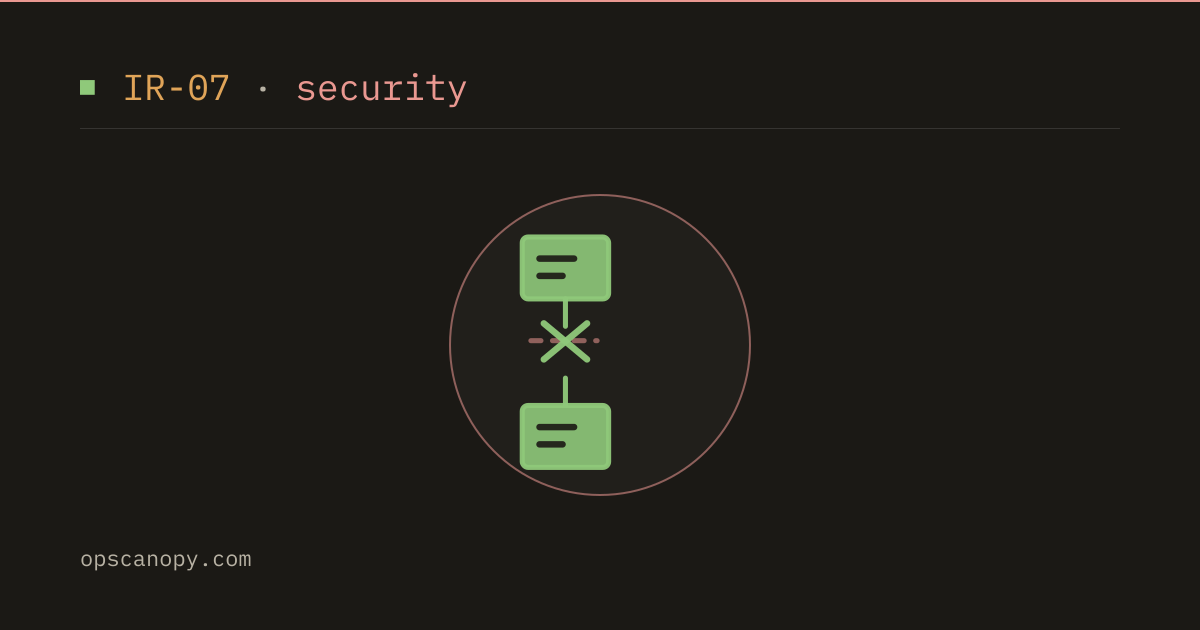
certificate signed by unknown authority means that walk ran out of road. The client found a certificate whose issuer it could not produce, so it never reached a trusted anchor.
The wording is misleading. It rarely means the authority is genuinely unknown — DigiCert and Let’s Encrypt are in every trust store on earth. It almost always means a link in the middle is missing, so the client never got far enough to recognise the authority it does trust.
That distinction is the whole debugging strategy: don’t start by suspecting the root. Start by counting the links.
Why your browser disagrees
This is the part that misleads people, and it is worth understanding precisely, because it explains the entire “works in Chrome, fails in Docker” class of report.
A correctly configured server sends the leaf and every intermediate needed to chain up to a root. It does not send the root — the client already has that.
When the server forgets the intermediate, clients diverge:
- Browsers paper over it. They cache intermediates they have seen before, and they follow the Authority Information Access (AIA) extension in the leaf, which contains a URL for the issuing certificate. Chrome will quietly fetch the missing intermediate over HTTP and complete the chain. You see a padlock.
- Go does not.
crypto/x509performs no AIA fetching, by design — a verification step that makes its own outbound HTTP request is an availability and privacy problem. If the intermediate is not presented, verification fails. - curl and OpenSSL generally do not either, so they fail the same way.
Because Docker, Kubernetes, Terraform, most CI runners and a large share of backend services are written in Go, “it works in the browser” is not evidence the server is fine. It is frequently evidence of exactly this bug. The browser is being generous; Go is telling you the truth.
Diagnose it in one command
Before changing anything, count the certificates the server actually sends:
openssl s_client -connect example.com:443 -servername example.com -showcerts </dev/null 2>/dev/null \
  | grep -c "BEGIN CERTIFICATE"
Read the number:
- 1 — only the leaf. The intermediate is missing. This is your bug, and it is the single most common cause.
- 2 or more — a chain is being sent. The problem is elsewhere; keep reading past cause 1.
-servername matters. Without it OpenSSL omits SNI, and a host serving multiple sites will hand you its default certificate rather than the one you are debugging — which sends you chasing a mismatch that does not exist in production.
To see what each certificate in that chain actually is — who issued it, what it covers, whether the order is right — paste the whole -showcerts output into the Certificate Decoder & Chain Checker. It reads every X.509 field, reports the chain order with the reason it was wrong, and gives a per-link signature verdict, so you can see which link fails to connect rather than inferring it. It runs entirely in your browser, which matters when the chain belongs to an internal host.
The four causes, ranked
1. The server is missing its intermediate
By a wide margin the most common. The admin installed only the leaf, or concatenated the files in the wrong order, or a renewal replaced a full-chain file with a leaf-only one.
Fix it on the server, not in your client. Nearly every issuer ships a “fullchain” file for exactly this reason:
# nginx — ssl_certificate must be leaf + intermediates, in that order
ssl_certificate     /etc/letsencrypt/live/example.com/fullchain.pem;   # not cert.pem
ssl_certificate_key /etc/letsencrypt/live/example.com/privkey.pem;
The ordering rule is: leaf first, then each issuer in turn, root optional and usually omitted. A chain assembled in reverse order fails on strict clients even though every certificate present is valid — which is precisely the failure the chain checker names for you rather than leaving you to eyeball PEM blocks.
After reloading, re-run the grep -c above and confirm the count went up.
2. Your container has no CA bundle at all
If the failure only happens inside a container, suspect the image before the network. Minimal base images ship no trust store, so every public certificate is signed by an unknown authority — the client has no roots whatsoever.
# Alpine — no CA bundle by default
RUN apk add --no-cache ca-certificates

# Debian/Ubuntu slim — usually present, but reinstall if it was stripped
RUN apt-get update && apt-get install -y --no-install-recommends ca-certificates \
    && rm -rf /var/lib/apt/lists/*
For scratch or distroless images, copy the bundle in from a build stage:
COPY --from=builder /etc/ssl/certs/ca-certificates.crt /etc/ssl/certs/The tell for this cause: the same binary works on the host and fails in the container, against any HTTPS host — not just one.
3. A corporate proxy is re-signing traffic
On a corporate network, an inspecting proxy terminates TLS and re-signs it with an internal CA. That CA is legitimately unknown to your container, which never received it.
The tell: the leaf’s issuer is your employer, not a public CA. Decode the certificate and read the issuer — if it says something like Issuer: CN=Acme Corp Root CA, this is your cause.
The fix is to install the corporate root into the image’s trust store, not to disable verification:
COPY corp-root.crt /usr/local/share/ca-certificates/corp-root.crt
RUN update-ca-certificates
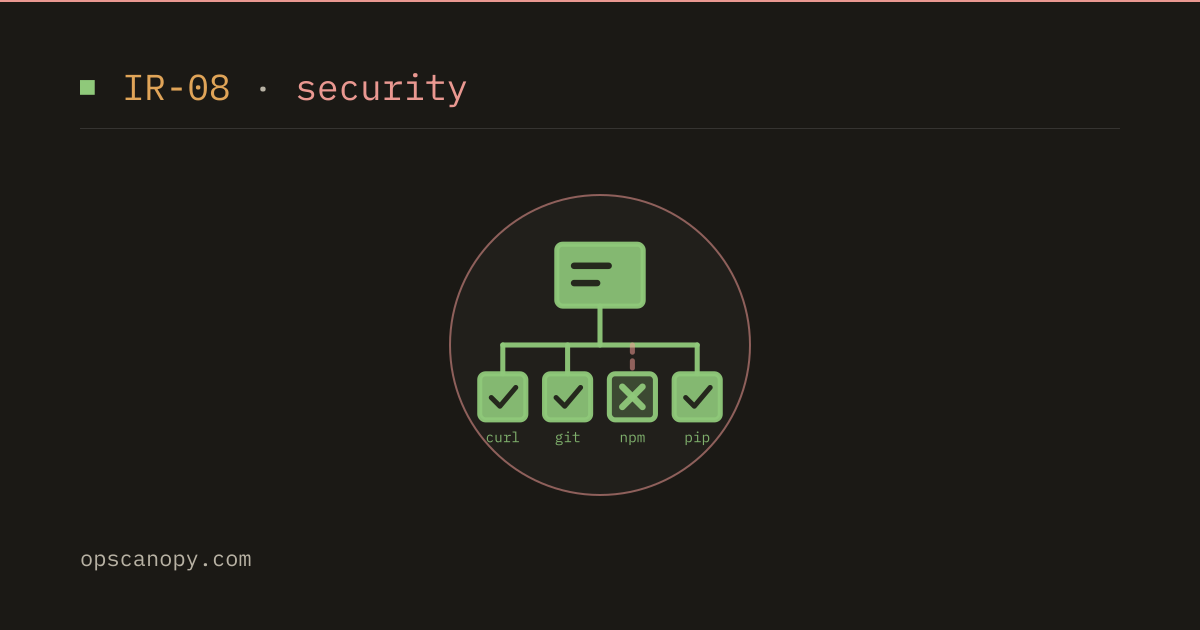
The same proxy breaks curl, git, npm and pip with a different message, unable to get local issuer certificate, and each of those reads its own trust store. That post covers where each one looks and how to point it at the corporate root.
4. The certificate really is self-signed
Internal services, a local dev stack, a private registry. Here the error is correct: the certificate genuinely is not trusted by anyone, and nothing is misconfigured except your client’s trust store.
This is by far the most common way people meet this error in practice, because it is what docker login and docker pull against a private registry produce on day one.
The Docker daemon does not use the system trust store for registries. It reads a per-registry directory, and the path must match the registry hostname and port exactly:
# note: directory name = exactly what you type after docker login,
# including the port. registry.internal and registry.internal:5000
# are two different directories.
sudo mkdir -p /etc/docker/certs.d/registry.internal:5000
sudo cp ca.crt /etc/docker/certs.d/registry.internal:5000/ca.crt
sudo systemctl restart docker
Three details that account for most of the “I did that and it still fails” follow-ups:
- The file must be named
ca.crt. Notca.pem, notregistry.crt. The daemon looks for that name (plus*.cert/*.keyfor client auth). - The port is part of the directory name. A registry on
:5000needsregistry.internal:5000, and a registry on 443 needs the bare hostname. - Restart the daemon. It reads that directory at startup, so the file appearing is not enough.
For Kubernetes pulling the same registry, this path does not apply — the kubelet uses the node’s system trust store, so install the CA there with update-ca-certificates and restart the kubelet. This is why an image can pull fine on your laptop and fail with ImagePullBackOff on the cluster.
The fix that is not a fix
Every one of these has a tempting one-liner: InsecureSkipVerify: true in Go, -k in curl, insecure_skip_verify in Terraform.
These do not fix anything. They disable the check that was correctly telling you the chain is broken, and they disable it for every connection that code path makes, permanently, including against an attacker. The failure you are silencing is the one case where verification did its job.
If you need an escape hatch during local development, scope it to a specific CA rather than switching verification off:
pool, _ := x509.SystemCertPool()
pool.AppendCertsFromPEM(internalCA)          // trust one extra CA
cfg := &tls.Config{RootCAs: pool}            // still verifies everything
That trusts exactly what you decided to trust, and nothing else.
A short checklist
- Count the certificates the server sends with
openssl s_client -showcerts. One means a missing intermediate — fix the server. - If it fails only in a container, and against every host, install
ca-certificates. - Read the leaf’s issuer. If it is your employer, install the corporate root.
- If it is genuinely self-signed, add that CA — do not skip verification.
The through-line: certificate signed by unknown authority is nearly always a chain-assembly problem, and your browser’s willingness to repair it silently is what makes it look like a client bug. Count the links first, and the cause usually names itself.
Related posts
-
12 min read
Unable to get local issuer certificate: curl, git, npm, pip
Why curl, git, npm and pip print unable to get local issuer certificate, which trust store each one reads, and the fixes that add a CA instead of replacing it.
-
8 min read
chown command in Linux: change file owner and group
The chown command in Linux explained: user:group syntax, chown -R and symlinks, --reference, chgrp, chmod vs chown, and fixing Docker volume permission errors with numeric IDs.
-
10 min read
chmod command in Linux: syntax, examples and common mistakes
The chmod command in Linux explained: octal and symbolic modes, chmod +x, chmod -R and its traps, setuid, setgid and sticky bits, umask, and how to fix Permission denied.