Category
Kubernetes tools.
Size and reason about Kubernetes workloads without leaving the browser.
Kubernetes tools
-
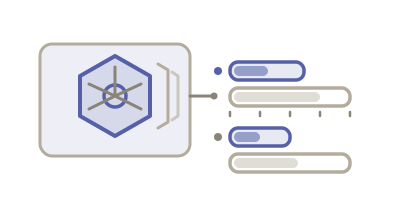 Kubernetes fig. 20
Kubernetes Resource Calculator
Total CPU and memory requests and limits across pods and replicas.
Enter container CPU and memory requests and limits with replica counts to total the resources a workload reserves, and convert millicores and Mi/Gi units.
Open tool -
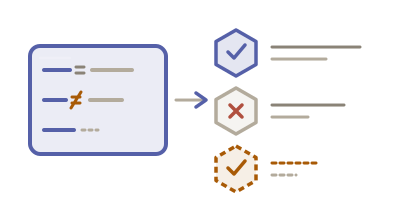 Kubernetes fig. 37
Kubernetes Label Selector Tester
See which pods a label selector matches — and why each one does or doesn’t.
Paste your pods and a selector — a kubectl -l string or a matchLabels/matchExpressions block — and get a per-resource MATCH or NO MATCH with the exact clause that decided, including the case everyone answers backwards: NotIn and != match a resource that has no such label at all.
Open tool
When you reach for Kubernetes tools.
Kubernetes resource numbers are easy to write and hard to reason about. A container asking for 250m CPU and 512Mi memory is unremarkable on its own; the same manifest at 40 replicas with two sidecars is a scheduling decision, and nothing in the YAML tells you that.
The units actively work against you. Millicores are thousandths of a core. Mi is 1,048,576 bytes and M is 1,000,000 — a distinction that quietly matters when you multiply by replica count. Requests decide scheduling and eviction order; limits decide whether you get OOMKilled. Confusing the two is behind a large share of "the pod keeps restarting and there is nothing in the logs".
These tools total what a workload actually reserves across containers and replicas, and test label selectors against real objects so you find out that a selector matches nothing before a Service silently routes to no pods.